
Receipt settings
Open Shopify admin → Apps → Lilya: POS Gift Receipts. The Gift receipts page has every setting on the left and a live Preview on the right. Select Save after changes; the logo is saved as soon as you upload it.
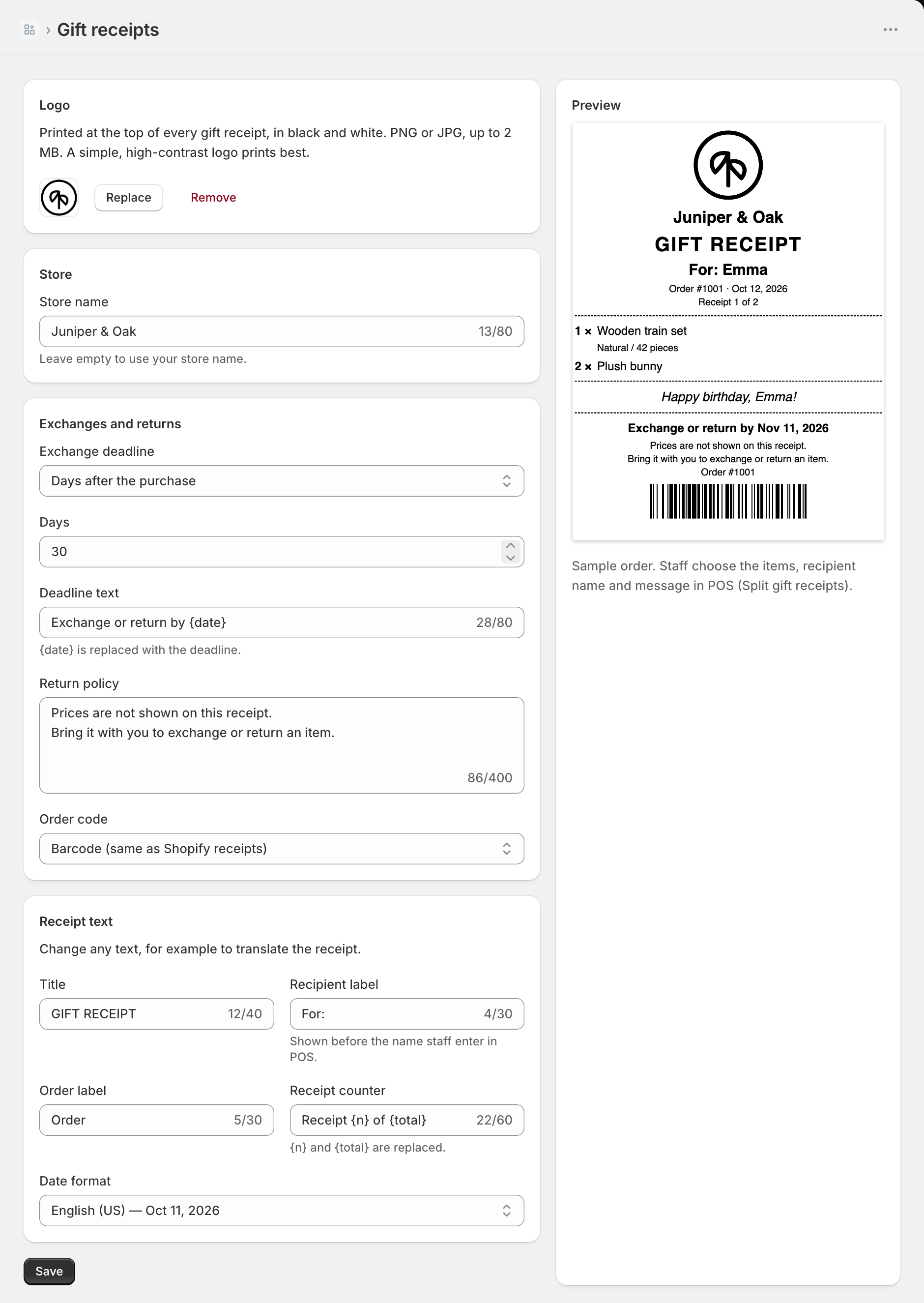
Logo
Printed at the top of every gift receipt, in black and white. Use a PNG or JPG up to 2 MB. A simple, high-contrast logo prints best. Select Upload logo, or Replace or Remove once you have one. The logo is stored in your store's Files.
Store
Store name is printed under the logo. Leave it empty to use your store name.
Exchanges and returns
| Setting | What it does |
|---|---|
| Exchange deadline | Days after the purchase (30 by default, up to 365), Fixed date (e.g. holiday season), or Don't print a deadline. |
| Deadline text | The line printed with the deadline. {date} is replaced with the deadline, for example "Exchange or return by Nov 11, 2026". |
| Return policy | Free text printed under the deadline, up to 400 characters. The default says prices are not shown and asks the customer to bring the receipt. |
| Order code | Barcode (same as Shopify receipts), QR code, or None. Keep the barcode if staff scan receipts to find orders in POS. |
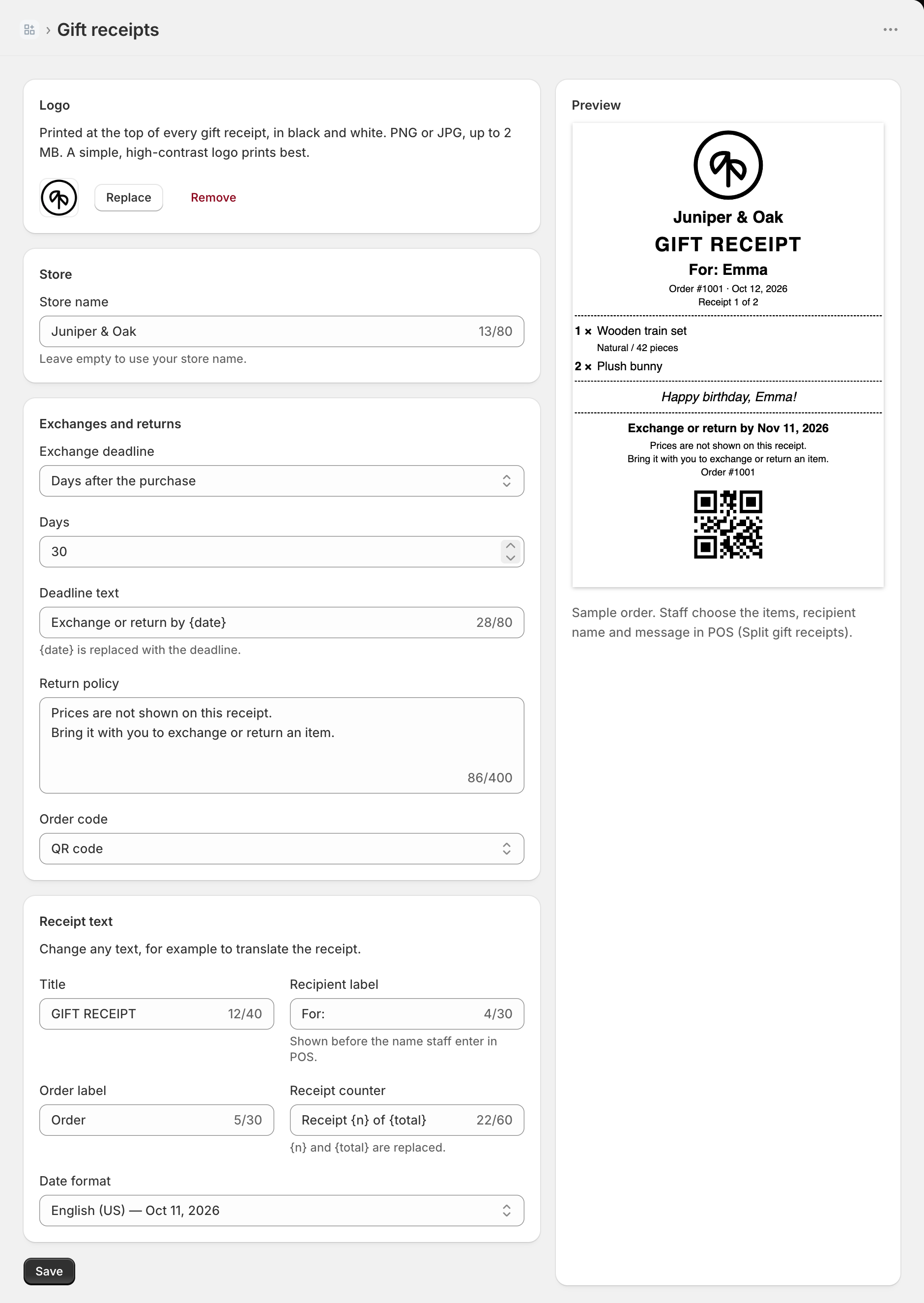
Receipt text
Change any text, for example to translate the receipt into your customers' language.
| Field | Default |
|---|---|
| Title | GIFT RECEIPT |
| Recipient label | For: (shown before the name staff enter in POS) |
| Order label | Order |
| Receipt counter | Receipt {n} of {total} ({n} and {total} are replaced) |
| Date format | English (US), English (UK), Deutsch, Français, Español, Italiano, Nederlands, Português (BR), Türkçe, or 日本語 |
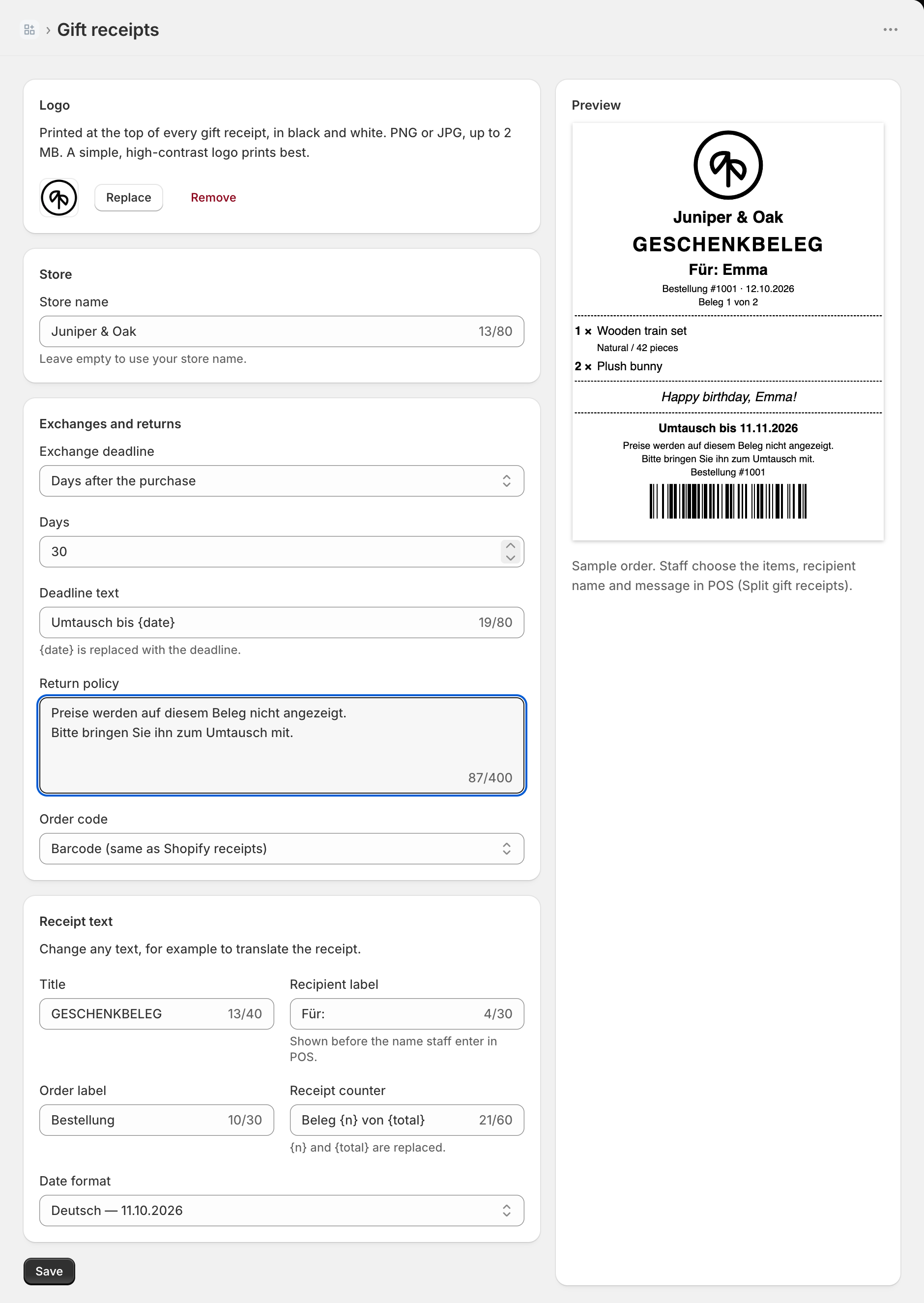
The POS screen itself follows the POS language and is available in English, German, French, Spanish, Italian, Dutch, Portuguese, Turkish, and Japanese.